Write Modify Page Transparency
The ooodev.format.writer.modify.page.transparency.Transparency and ooodev.format.writer.modify.page.transparency.Gradient classes are used to modify the Area style values seen in Fig. 1126 of a Page style.
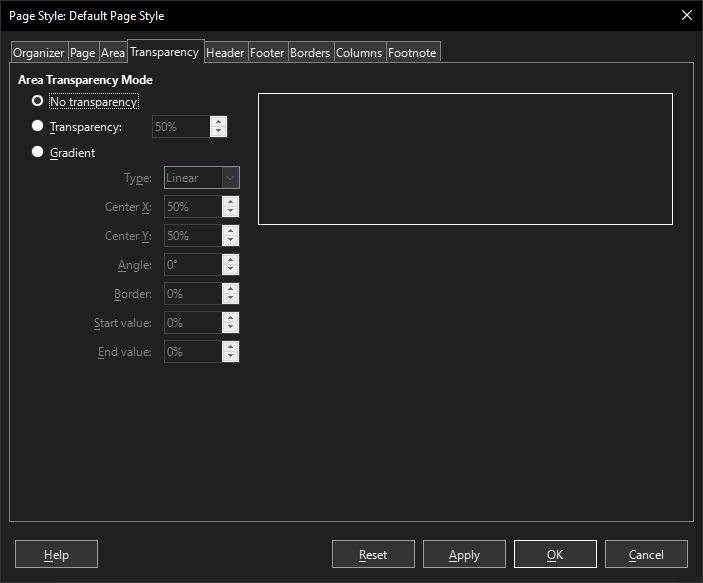
Fig. 1126 Writer dialog Transparency default
Default Page Style Dialog
Setup
General function used to run these examples.
from ooodev.format.writer.modify.page.transparency import (
    Transparency,
    Gradient,
    IntensityRange,
    GradientStyle,
    WriterStylePageKind,
)
from ooodev.format.writer.modify.page.area import Color as PageAreaColor
from ooodev.format import Styler
from ooodev.utils.color import StandardColor
from ooodev.office.write import Write
from ooodev.gui import GUI
from ooodev.loader.lo import Lo

def main() -> int:
   with Lo.Loader(Lo.ConnectPipe()):
        doc = Write.create_doc()
        GUI.set_visible(doc=doc)
        Lo.delay(300)
        GUI.zoom(GUI.ZoomEnum.ENTIRE_PAGE)

        page_style_kind = WriterStylePageKind.STANDARD
        color_style = PageAreaColor(color=StandardColor.RED, style_name=page_style_kind)
        transparency_style = Transparency(value=85, style_name=page_style_kind)
        Styler.apply(doc, color_style, transparency_style)

        style_obj = Transparency.from_style(doc=doc, style_name=WriterStylePageKind.STANDARD)
        assert style_obj.prop_style_name == str(WriterStylePageKind.STANDARD)

        Lo.delay(1_000)

        Lo.close_doc(doc)
    return 0

if __name__ == "__main__":
    SystemExit(main())
Transparency
The Transparency class is used to modify the transparency of a page style.
The result are seen in Fig. 1127.
Setting Transparency
In this example we will apply a transparency to the page style background color.
The transparency needs to be applied after the page style color as the transparency is applied to the color.
This means the order Styler.apply(doc, color_style, transparency_style) is important.
The transparency is set to 85% in this example.
# ... other code

page_style_kind = WriterStylePageKind.STANDARD
color_style = PageAreaColor(color=StandardColor.RED, style_name=page_style_kind)
transparency_style = Transparency(value=85, style_name=page_style_kind)
Styler.apply(doc, color_style, transparency_style)
Style results.
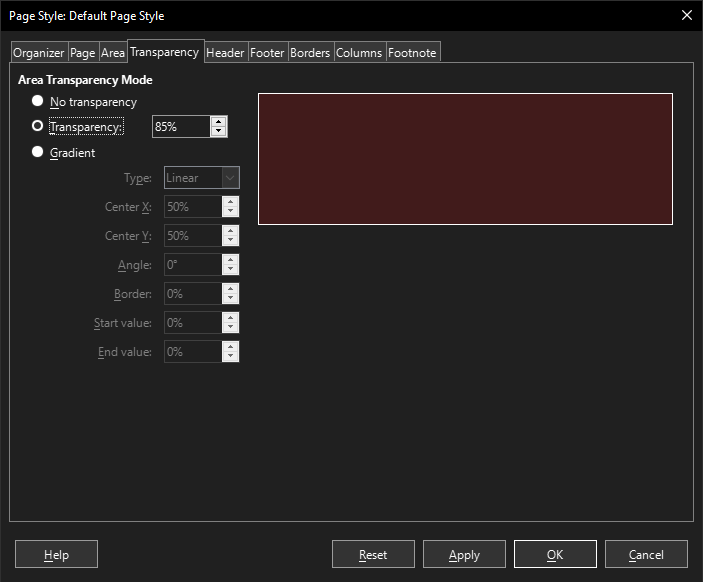
Fig. 1127 Writer dialog Transparency style changed
Getting transparency from a style
# ... other code

style_obj = PageAreaColor.from_style(doc=doc, style_name=page_style_kind)
assert style_obj.prop_style_name == str(page_style_kind)
Transparency Gradient
Setting Transparency Gradient
The Gradient class is used to modify the area gradient of a page style.
The result are seen in Fig. 1128.
In this example we will apply a transparency to the page style background color.
The transparency needs to be applied after the page style color as the transparency is applied to the color.
This means the order Styler.apply(doc, color_style, para_gradient_style) is important.
# ... other code

page_style_kind = WriterStylePageKind.STANDARD
color_style = PageAreaColor(color=StandardColor.GREEN_DARK1, style_name=page_style_kind)
para_gradient_style = Gradient(
    style=GradientStyle.LINEAR,
    angle=45,
    border=22,
    grad_intensity=IntensityRange(0, 100),
    style_name=page_style_kind,
)
Styler.apply(doc, color_style, para_gradient_style)
Style results.
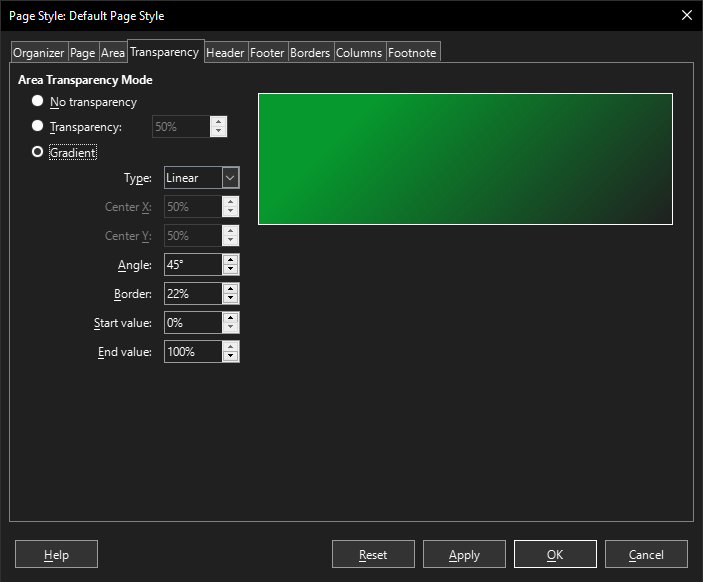
Fig. 1128 Writer dialog Transparency style changed
Getting gradient from a style
# ... other code

style_obj = Transparency.from_style(doc=doc, style_name=page_style_kind)
assert style_obj.prop_style_name == str(page_style_kind)